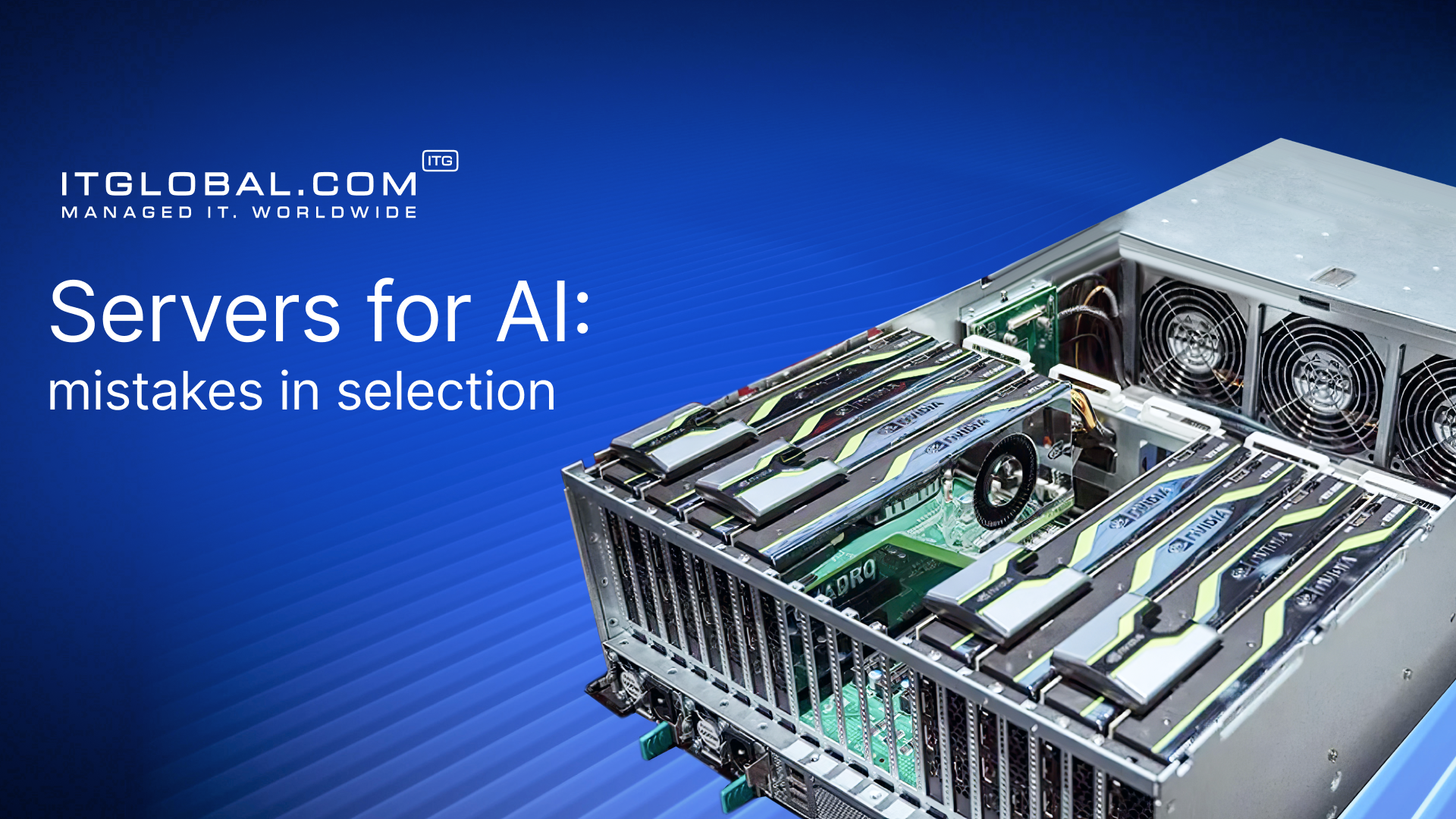
AI servers are specialized computing systems designed to handle large amounts of data and perform complex calculations. Unlike traditional servers, which rely primarily on central processing units (CPUs) and execute tasks sequentially, AI servers are equipped with powerful graphics processing units (GPUs). GPUs are capable of executing thousands of operations simultaneously, which is crucial for training neural networks and running machine learning algorithms.
These servers process huge amounts of data, such as images, texts, and video streams, and allow for the training of neural networks, which are then used in products like chatbots, computer vision systems, analytical models, and generative AI.
Differences between AI servers and regular servers
The main difference lies in the approach to computing. Both regular servers and AI servers use central processing units (CPUs) to run the operating system and manage tasks. However, AI servers are additionally equipped with graphics processing units (GPUs), which are responsible for performing the actual machine learning calculations. The CPU runs the operating system and coordinates processes, while the GPU, with its thousands of cores, performs parallel calculations for model training, resulting in a significant speedup for neural networks.
AI servers also differ in:
- the presence of multiple GPUs (usually 2–8);
- support for NVLink and PCIe 5.0 for fast communication between cards;
- large amounts of RAM and video memory;
- enhanced cooling systems and powerful power supplies.
AI servers with GPUs process machine learning operations dozens of times faster than traditional CPU-based servers. For model training, this can mean reducing the time from several days to just a few hours.
GPU vs CPU: why graphics cards are more important for machine learning
CPU performs a variety of tasks sequentially, effectively handling complex and diverse operations. GPU specializes in parallel execution of a large number of similar operations simultaneously. This architecture is optimal for training neural networks, which require matrix multiplication, tensor calculations, and processing of multidimensional data.
According to NVIDIA, GPUs can speed up deep learning tasks by up to 50 times compared to CPUs. Interestingly, GPUs were originally designed for gaming, but they have proven to be ideal for AI. What was once used to draw pixels is now used to “draw” connections between millions of neurons.
A modern AI server is a modular system with multiple NVLink and PCIe-connected GPUs, high-speed DDR5 RAM, NVMe SSDs, and over 100 Gbps network adapters for clustering.
These components ensure minimal latency and maximum throughput, which is crucial for training large models like GPT or Stable Diffusion.
Training a model is like training an athlete: it requires calories, time, and constant exercise. For example, training ChatGPT required thousands of GPUs and petabytes of data. Even a small corporate model for analyzing customer feedback can require hundreds of hours of computation. Without powerful servers, the process simply doesn’t pay off.
AI power: requirements for different machine learning tasks
Over the past 10 years, the hardware requirements for AI have changed dramatically. While a single graphics card was sufficient in the 2010s, today even a simple computer vision model requires paired GPUs.
Deep learning and neural network training
For common tasks such as sales forecasting, user behavior analysis, or image classification, 2–4 GPUs with 16–32 GB of memory are sufficient. This strikes a balance between speed and cost.
Large language models (LLM): ChatGPT, LLaMA, and similar models
LLMs are resource-hungry. They require 8 or more top-tier GPUs with NVLink for training. According to OpenAI, ChatGPT was trained on thousands of NVIDIA A100 GPUs clustered together.
Computer vision and image processing
For tasks such as image recognition, medical image analysis, and automatic quality control, 1–2 NVIDIA A40 GPUs are sufficient. The minimum RAM requirement is 64 GB.
Natural language processing (NLP)
For text analysis, review classification, and chatbot operation, 1–4 professional GPUs with 16–24 GB of video memory each, such as NVIDIA A40 or T4, are used. The recommended amount of RAM is 64–128 GB, depending on the size of the datasets being processed.
Russian AI server manufacturer: import substitution in action.
AI server lineup from ITPOD
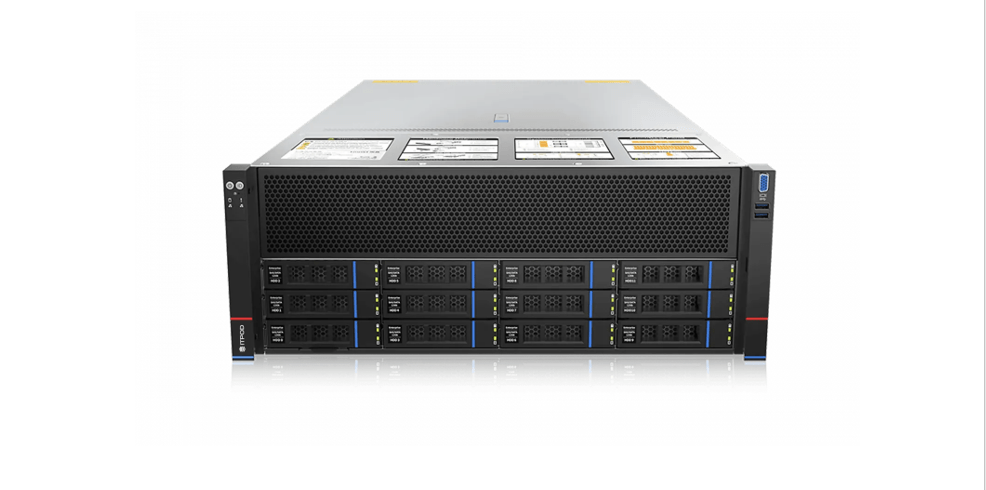
ITPOD produces servers for machine learning and working with large language models. The AI/ML Computing line includes:
ITPOD-ASR201-S08R in 2U format is a compact server designed for running pilot projects or creating development and testing stands. It is suitable for the initial stage of AI technology implementation.
ITPOD-SY4108G-D12R-G4 is a flagship platform in 4U form factor based on Intel Xeon Scalable Gen5 processors. It is built according to the principles of NVIDIA MGX and supports up to eight graphics accelerators, including NVIDIA H200. The system allows you to combine GPUs using the NVIDIA H200 NVLink Bridge, enabling up to 564 GB of total GPU memory.
ITPOD-SYR4108G-D12R-G5 is a high-performance platform based on AMD EPYC 9005 “Turin” processors. It also supports up to eight graphics accelerators and is built on the NVIDIA MGX principles. It is optimized for tasks that require high multithreading and efficient work with large data arrays.
ITPOD servers support graphics accelerators from various manufacturers, from NVIDIA (T4, A100, H100, H200 NVL) to SOPHGO solutions, which demonstrate high performance in video analytics tasks and working with large language models. The average availability of systems is 99.9%.
Get a consultation on AI servers
How to choose a GPU for AI: NVIDIA Tesla, RTX, and the Latest A100/H200
Choosing a GPU for AI is like choosing an engine for a car. It all depends on whether you want an “urban sedan” for experiments or a “hypercar” for LLM.
NVIDIA tesla: professional solutions for data centers
Tesla (A40, T4, V100) offers stability and reliability. It comes with ECC memory and is optimized for 24/7 usage. They are used in data centers and large research centers.
NVIDIA A100 and H200: top-of-the-Line solutions for enterprise
A100 (80 GB HBM2e) and H200 (141 GB HBM3e) are the leaders in terms of bandwidth and performance. NVLink provides up to 900 GB/s of interconnectivity. According to NVIDIA, H200 is 20–30% faster than A100.
RTX PRO 6000 Blackwell: an alternative for smaller projects
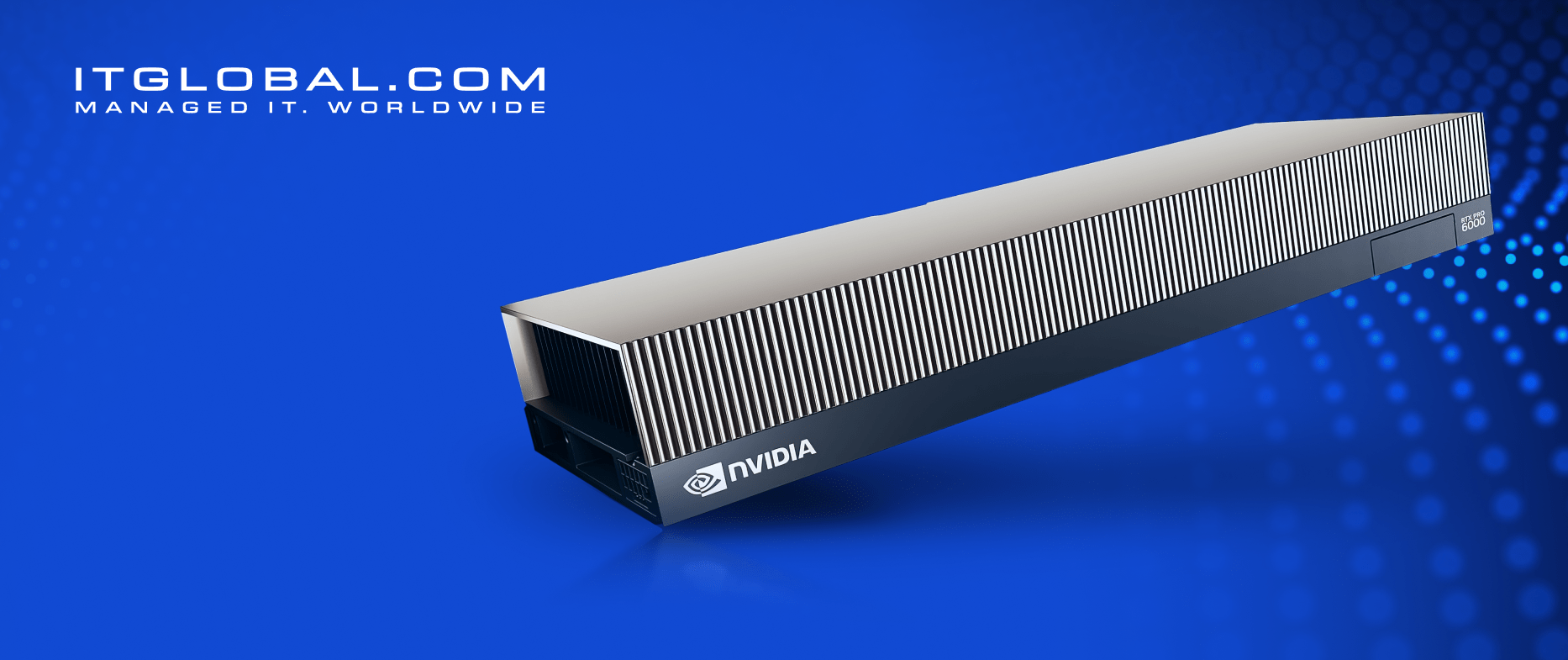
This card does not claim to replace the A100/H200, but it covers a wide range of workloads, from fine-tuning medium-sized models to generative services. The Blackwell configuration offers high FP8/BF16 speeds, a decent amount of memory, and a good balance between performance and infrastructure requirements. For companies that do not require large clusters, this is a convenient option with a more affordable entry point.
AMD Instinct: AMD’s alternative
The MI210/MI300X series is an alternative to NVIDIA, supports open-source frameworks, and is cheaper per TFLOPS. It is used in supercomputers.
| Model GPU | TFLOPS | Memory | Best for |
| RTX 4090 | ~82 | 24 GB | prototypes, inference |
| A100 | ~155 | 80 GB | Deep learning, LMM |
| H200 | ~197 | 141 GB | LMM, Cluster learning |
| M1300X | ~190 | 192 GB | Alternative A100/H200 |
What to look for when choosing an AI server
When choosing servers for artificial intelligence, companies often make the mistake of purchasing hardware with excessive features, without considering the compatibility of components among themselves. As a result, the system operates inefficiently due to bottlenecks in power, cooling or bandwidth, which increases costs without increasing performance.
GPU support and connection interfaces
The first criterion is the availability of a sufficient number of PCIe slots and support for NVLink technology. NVLink provides high-speed data exchange between multiple GPUs, which is critical for training large language models. When selecting a configuration, it is necessary to determine the number of graphics accelerators in advance and make sure that the motherboard and server chassis support their installation.
Memory capacity and disk subsystem
The minimum standard for AI servers is 128 GB of DDR4/DDR5 RAM and NVMe drives to ensure high data read and write speeds. Insufficient storage system performance often becomes a limiting factor when working with large datasets. For tasks related to processing petabytes of data, it is recommended to use distributed storage systems with support for parallel access.
There is a basic engineering rule: the amount of RAM should be at least equal to the VRAM. But NVIDIA’s recommendations are stricter — it is advisable to have twice as much RAM as VRAM. This reduces the risk of buffer overflow, speeds up preprocessing, and gives the system a reserve for utility processes and dataloaders.
Power and cooling system
Configurations with four or more GPUs require power supplies with a capacity of at least 2000 W and an efficient cooling system. With a high density of graphics cards, air cooling may not be sufficient, and liquid cooling or improved ventilation may be necessary. Overheating of components can lead to reduced performance and shorter hardware lifespan.
Compatibility with AI frameworks and certifications
The server must work correctly with the main machine learning libraries: TensorFlow, PyTorch, ONNX Runtime. For corporate use, it is important to have NVIDIA-Certified Systems and NGC-Ready certifications, confirming the compatibility of the entire software and hardware stack. You should also pay attention to compliance with local requirements and the availability of information security certificates.
Infrastructure scalability
The server architecture should provide for the possibility of expansion: adding GPUs, increasing the amount of memory and disk space. When planning the growth of computing power, it is necessary to take into account the data center’s limitations on power supply, cooling, and network bandwidth. Upgrading the infrastructure after installing the equipment is significantly more expensive than planning in advance.
Technical support and service maintenance
Local technical support reduces equipment downtime and simplifies component replacement.
Data center infrastructure readiness
Before installing servers, it is necessary to check the readiness of the site: power supply capacity with redundancy, cooling system performance, and network channel bandwidth. If scaling is planned, the data center’s engineering systems must be able to handle increased load without major reconstruction.
The correct server selection takes into account not only technical specifications but also operational conditions, business objectives, and infrastructure development plans. This approach helps to avoid common mistakes when implementing AI solutions.
Step-by-step checklist: how to choose and order an AI server
Clearly define the task
Before choosing a server, it is important to determine what tasks it should perform: model training, inference, development, or mixed scenarios. This helps to understand the requirements for power and architecture, and avoid unnecessary costs for unsuitable equipment.
Estimate the required resources
Calculate the required number of GPUs, CPUs, RAM, and disk space, taking into account the specifics of your workload, for example, using online calculators or manufacturer recommendations. It is better to leave a small margin for future tasks or growing data volumes.
Check the engineering infrastructure
Make sure that the data center or server site can provide sufficient power and cooling for the selected server, especially important for powerful configurations with multiple GPUs. Incorrect infrastructure planning can lead to interruptions and reduced performance.
Compare suppliers and delivery times
Evaluate the availability of servers from local and foreign manufacturers, taking into account delivery times and support. Import substitution and local solutions can reduce the risk of delays and provide fast service, but it is important to consider technological features and compatibility.
Test the hardware on a real-world task
Perform a Proof of Concept (POC) phase to test the server’s performance and stability under your load. Such a test will help identify bottlenecks and adjust the selection before a full-fledged implementation.
Implement in stages
Start with pilot projects, gradually scaling the infrastructure as successful results are achieved. This helps to reduce risks and adapt systems to the real needs of the business.
Calculate the budget and ROI
Consider not only the initial server price, but also the cost of operation, including energy consumption, cooling, and maintenance. Evaluating the return on investment allows you to plan the project’s economics and justify your investments.
Get a consultation on AI servers