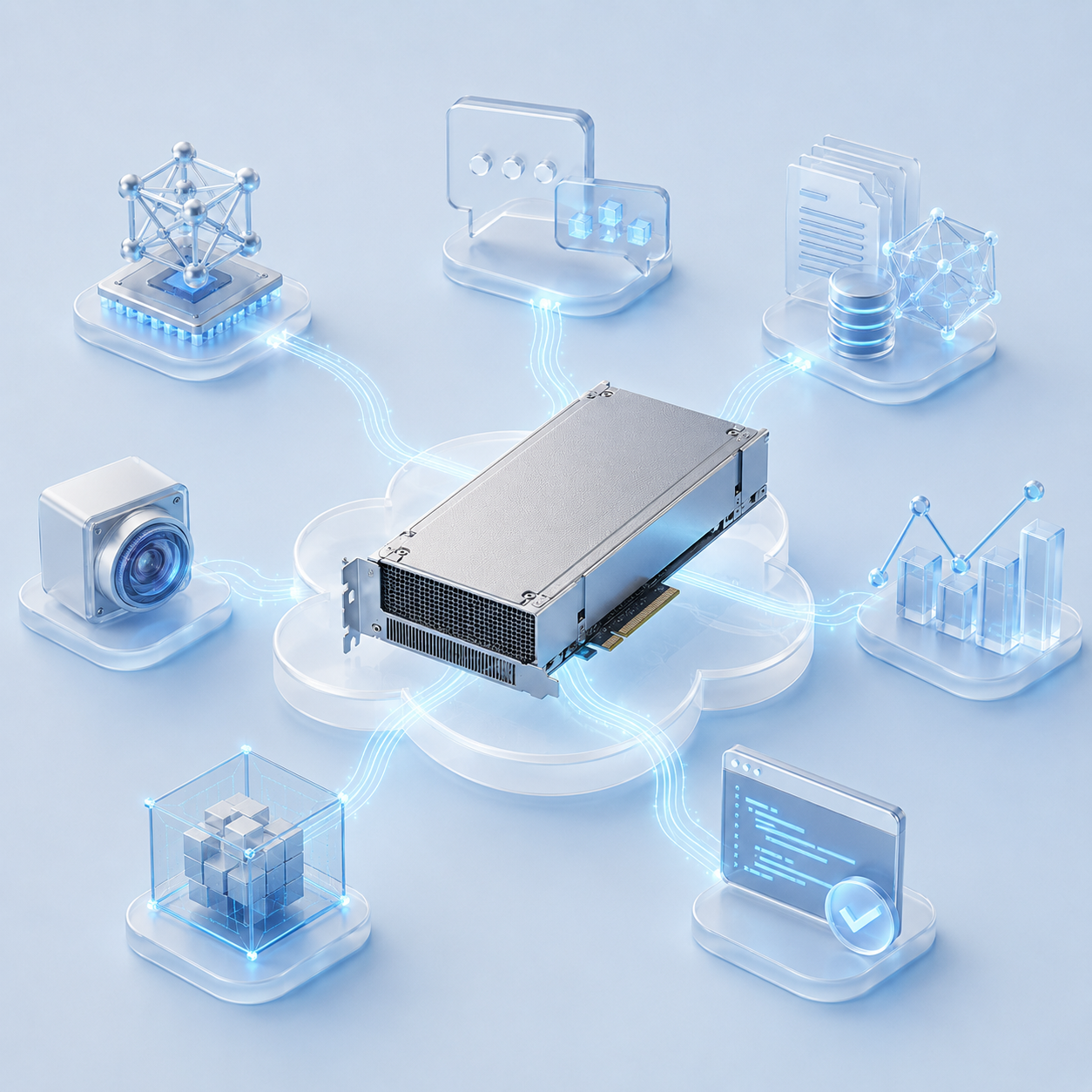
In March 2025, NVIDIA introduced the RTX PRO 6000 professional line based on the Blackwell architecture, offering for the first time one model in three versions: Workstation Edition, Max-Q and Server Edition. Although all three versions are based on the same architecture, they are designed for different use cases and infrastructure requirements. In this article, we will analyze the key differences between the Server Edition and the Workstation Edition and Max-Q, consider the advantages of 96 GB of ECC memory for cloud and enterprise workloads, and explain why the PCIe interface and passive cooling system make the RTX PRO 6000 Server Edition a practical option for renting a GPU and server infrastructure.
NVIDIA RTX PRO 6000 Blackwell Series
Key specifications compared across the three RTX PRO 6000 variants:
| Specification | Server Edition | Workstation Edition | Max-Q Edition |
| Form factor | 4.4″ × 10.5″, 2-slot | 5.4″ × 12″, 2-slot | 4.4″ × 10.5″, 2-slot |
| Cooling | Passive heatsink | Dual-fan blower | Single fan |
| Power consumption | 400–600 W (configurable) | 600 W | 300 W |
| FP32 performance | 120 TFLOPS | 125 TFLOPS | 110 TFLOPS |
| Memory bandwidth | 1,597 GB/s | 1,792 GB/s | 1,792 GB/s |
| Designed for | Multi-GPU servers and cloud GPU deployments | Single-GPU workstations | High-density multi-GPU workstations |
What does this mean in practice?
- Server Edition: A passive radiator is used instead of the built-in fans, and cooling is provided by the air flow inside the server enclosure. Two power consumption modes are available – 400 and 600 watts, which allows you to adapt consumption, heat generation and performance to a specific load.
- Workstation Edition: Equipped with two active fans and provides maximum performance among the three versions – up to 125 TFLOPS in FP32. The card is designed primarily for installation in a workstation in a single configuration. If several accelerators are tightly placed in one housing, there may be problems with heat dissipation.
- Max-Q Edition: a compromise option for systems with limited power consumption and cooling. One fan and a reduced limit of 300 watts allow you to install 2-4 accelerators in one case without a full-fledged server air cooling system. At the same time, the maximum performance is lower – about 110 TFLOPS.
Why is RTX PRO 6000 Blackwell Server Edition in our portfolio?
The RTX PRO 6000 Blackwell Server Edition combines features that are especially important for corporate and cloud infrastructure: 96 GB of video memory with ECC, passive cooling, and a standard PCIe 5.0 x16 interface. Thanks to this, the accelerator can be used in server configurations without a specialized SXM platform.
That is why ITGLOBAL.COM has included this model in its portfolio of cloud GPU rental solutions. The client receives a high-performance server accelerator with ECC memory, designed to work as part of a 24/7 server infrastructure. At the same time, the RTX PRO 6000 Server Edition is installed in a standard PCIe slot and does not require a specialized platform with SXM connectors, like NVIDIA H200 accelerators. This simplifies integration into the existing server infrastructure and reduces hardware requirements, which can eventually make GPU rentals more affordable and accelerate the launch of computing resources.
Key Advantages of RTX PRO 6000 Blackwell Server Edition
96 GB GDDR7 video memory with ECC
RTX PRO 6000 Blackwell Server Edition is equipped with 96 GB GDDR7 memory – twice as much as the previous generation RTX 6000 Ada with 48 GB. This volume allows you to place large AI models on one accelerator and perform resource-intensive tasks without necessarily distributing the load between several GPUs.
ECC support provides hardware detection and correction of memory errors. This is especially important for corporate, scientific, and other mission-critical computing, where even a single error can affect the outcome. The transition from GDDR6 to GDDR7 has also significantly increased memory bandwidth, which is especially noticeable in tasks with intensive data exchange.
Fifth generation tensor cores and FP4 support
FP4 computing support is one of the key features of the Blackwell architecture. When using models optimized for low accuracy, FP4 allows you to reduce video memory requirements and at the same time increase the speed of inference.
RTX PRO 6000 Blackwell Server Edition has received fifth-generation tensor cores designed to accelerate AI workloads, including training and inference models. According to NVIDIA, AI computing performance has increased significantly compared to the previous generation: the indicator has increased from about 1,457 TOPS to more than 4,000 TOPS.
RT cores of the fourth generation
The fourth generation of RT cores provides significant performance gains in ray tracing tasks compared to the Ada Lovelace architecture. The RTX PRO 6000 Blackwell Server Edition has a claimed performance of up to 355 TFLOPS in ray tracing.
Blackwell also introduced RTX Mega Geometry technology, which allows you to work with much more complex scenes and a large number of ray-tracing objects. This is especially true for engineering visualization, architectural design, digital doubles, and professional visual effects creation.
Reliability for the server infrastructure
RTX PRO 6000 Server Edition was originally developed for installation in servers and operation in the infrastructure of data centers. The passive cooling system uses air flow inside the server enclosure instead of individual fans on the card itself, which reduces the number of mechanical components and their maintenance requirements.
Combined with ECC memory and the ability to operate under constant load, this makes the accelerator suitable for round-the-clock operation in corporate and cloud infrastructure. When renting a GPU, the provider takes over the maintenance and monitoring of the equipment condition, and the client receives a ready computing resource without having to independently maintain the physical accelerator.
GPU separation technologies: MIG and vGPU
RTX PRO 6000 Blackwell Server Edition supports two approaches to GPU resource allocation between multiple users and virtual machines: MIG hardware technology (Multi-Instance GPU) and vGPU software virtualization. Both options are available to customers ITGLOBAL.COM at the same time, the necessary NVIDIA licenses are provided on the provider’s side.
MIG (Multi-Instance GPU) – hardware separation of a physical GPU into isolated instances. Each instance is allocated a fixed amount of video memory, cache, and computing resources. Due to this isolation, several users can simultaneously work on the same physical accelerator without creating a significant impact on each other. MIG is especially suitable for tasks with a predictable load, where stability and a guaranteed amount of resources are important.
vGPU is a GPU virtualization technology that allows you to provide accelerator computing resources to virtual machines through a hypervisor. Depending on the scenario, the vGPU can operate in two main modes:
- Time-slicing – multiple virtual machines use a single GPU or MIG instance, accessing computing resources in turn. This approach allows you to flexibly distribute power among a large number of users, but the performance of each VM may depend on the current load. The mode is well suited for VDI, CAD, office applications and other scenarios with intermittent GPU load.
- MIG-backed – the virtual machine receives a dedicated MIG partition with a predefined amount of memory and computing resources. This provides stricter isolation and predictable performance, which is especially important for AI inference, development environments, and other GPU workloads with constant demands on computing resources.
Both modes are available to clients ITGLOBAL.COM thanks to NVIDIA AI Enterprise licensing on the provider’s side. The choice of technology depends on the nature of the load: time-slicing is suitable when flexibility and efficient GPU allocation between a large number of users are a priority, while MIG-backed is suitable when resource isolation and stable performance under load are important.
Technical specifications
Comparison of the RTX PRO 6000 Server Edition with previous generations of NVIDIA professional GPUs:
| Specification | RTX PRO 6000 Server Edition | RTX 6000 Ada (previous gen.) | RTX A6000 (previous gen.) |
| Architecture | Blackwell | Ada Lovelace | Ampere |
| CUDA cores | 24,064 | 18,176 | 10,752 |
| Tensor Cores | 5th generation (FP4) | 4th generation (FP8) | 3rd generation |
| RT Cores | 4th generation | 3rd generation | 2nd generation |
| GPU memory | 96 GB GDDR7 ECC | 48 GB GDDR6 | 48 GB GDDR6 |
| Memory bus | 512-bit | 384-bit | 384-bit |
| Memory bandwidth | 1,597 GB/s | 960 GB/s | 768 GB/s |
| FP32 performance | 120 TFLOPS | 91 TFLOPS | 39 TFLOPS |
| AI performance | 4,000+ TOPS | 1,457 TOPS | 310 TOPS |
| Power consumption | 400–600 W | 300 W | 300 W |
| Interface | PCIe 5.0 x16 | PCIe 4.0 x16 | PCIe 4.0 x16 |
| Cooling | Passive heatsink | Active cooling | Active cooling |
| Media engines | 9th-generation NVENC, 6th-generation NVDEC | 8th-generation NVENC | 7th-generation NVENC |
Compared with the RTX A6000 (Ampere), the RTX PRO 6000 Server Edition delivers approximately 3× higher FP32 performance, up to 13× higher AI performance (FP4 vs. INT8), and roughly 2× higher memory bandwidth.
Server application and cloud scenarios
- What RTX PRO 6000 Server Edition gives a business when renting
- Ready-made GPU infrastructure without purchasing hardware. You do not need to purchase accelerators, servers, drives, or set up a cooling system yourself. ITGLOBAL.COM provides ready—made infrastructure for rent – the client receives computing resources and can immediately run their tasks.
- Less capital costs and more flexibility. Renting allows you not to freeze the budget for expensive equipment and not take on the risks of its rapid obsolescence. You pay for the necessary resources and can scale the infrastructure as the workload or project increases.
- GPU-accelerated remote workstations. NVIDIA vGPU support allows you to create virtual workstations for engineers, designers, and other professionals. Users can work with CAD, BIM, 3D graphics and video editing remotely, without being tied to a powerful physical workstation in the office.
How RTX PRO 6000 works in ITGLOBAL.COM
ITGLOBAL.COM provides NVIDIA RTX PRO 6000 Blackwell Server Edition in cloud rental format. Depending on the requirements of the project, configurations with 12, 24, 48 or 96 GB of video memory on the GPU and installation of up to four accelerators in one server are available.
The main scenarios for using RTX PRO 6000 in the cloud
- ITGLOBAL.COM LLM inference is the launch and testing of large language models without the need to purchase and maintain your own GPU cluster.
- Virtual workstations are the creation of remote GPU-accelerated workplaces for engineers, designers and specialists working with CAD, BIM and graphics.
- AI development and testing are ready-made environments with CUDA, PyTorch, and Docker for experimentation, model learning, and rapid prototyping.
- Video rendering and processing is the distribution of resource-intensive tasks between multiple GPUs and the execution of batch operations at a convenient time for business.
The infrastructure is ready to work within a few hours after the application is processed. The servers are maintained in accordance with SLA 99.95%, and technical support is available 24/7.
Comparison with alternatives by memory capacity
To put the RTX PRO 6000 in perspective, let’s compare it with two major alternatives for AI and HPC workloads: the NVIDIA H200, a high-performance data center accelerator, and the NVIDIA A100, a well-established standard for AI training. All three GPUs offer 80 GB or more of memory:
| Specification | RTX PRO 6000 SE | H200 (SXM) | A100 (80 GB) |
| Memory | 96 GB GDDR7 ECC | 141 GB HBM3e | 80 GB HBM2e |
| Memory bandwidth | 1,597 GB/s | 4,800 GB/s | 2,039 GB/s |
| FP32 performance | 120 TFLOPS | 67 TFLOPS | 19.5 TFLOPS |
| New GPU price, USD | From $18,000 | $40,000–$50,000 | $10,000–$15,000 (used) |
| Cooling | Passive | Passive (SXM) | Passive (SXM) |
| ECC | Yes | Yes | Yes |
| NVLink | No | Yes (900 GB/s) | Yes (600 GB/s) |
| Transformer Engine | No | Yes (native FP8) | No |
| Interface | PCIe 5.0 x16 | SXM5 | SXM4 |
The RTX PRO 6000 Server Edition combines high FP32 performance – up to 120 TFLOPS – with 96 GB of GDDR7 ECC video memory. At the same time, it is inferior in memory bandwidth to the H200 and A100, which use more expensive HBM memory and specialized SXM platforms. The main advantage of the RTX PRO 6000 is the standard PCIe 5.0 x16, which simplifies integration into the server infrastructure and allows you to use the accelerator without a specialized SXM platform.
When renting the RTX PRO 6000 is the best option
- The use of LLM and other AI models, including the launch of large models using quantization, for example, 70B+ in INT4 formats.
- Virtual workstations – provision of GPU resources via vGPU/MIG for CAD, BIM, 3D modeling and other professional applications.
- Video rendering and processing – acceleration of visualization, video editing, and other resource-intensive tasks.
- AI development and pilot projects are the rapid launch of computing infrastructure without major initial investments in equipment.
When should I consider renting an H200
- Pre-training of large language models (pre-training) – the large volume of HBM3e, high memory bandwidth and NVLink support make the H200 a suitable solution for large-scale AI clusters.
- High-load inference scenarios with a large number of simultaneous requests, where memory bandwidth and scaling between GPUs are important.
- Working with large models without quantization, such as Class 70B+ models in FP16, which require a significant amount and high-speed access to video memory.
Conclusion
RTX PRO 6000 Blackwell Server Edition is a professional server accelerator with 96 GB GDDR7 ECC, passive cooling and a standard PCIe 5.0 x16 interface. The large amount of memory allows you to use a single GPU for a wide range of AI tasks, including the inference of large language models, as well as for graphics, engineering and virtualized workloads.
For businesses, the main advantage is the ability to get a productive GPU resource without buying their own hardware. Instead of investing in a GPU cluster, servers, cooling systems and their further maintenance, the company can rent ready-made infrastructure from ITGLOBAL.COM and scale it according to the needs of the project.
RTX PRO 6000 Server Edition is particularly well suited for AI inference, model development and testing, virtual workstations, rendering and other tasks where a large amount of video memory, stable operation and the ability to quickly get GPU resources in the cloud are important.
Frequently Asked Questions
Is it possible to use the card without forced blowing?
No. RTX PRO 6000 Server Edition is equipped with a passive cooling system and is designed to work in a server enclosure with an organized airflow. Without sufficient forced ventilation, the card will not be able to effectively dissipate heat and may overheat under high load.
How many users can work through vGPU at the same time?
The number of users depends on the selected vGPU profile and the nature of the load. The RTX PRO 6000 with 96 GB of video memory supports several isolated MIG instances, each of which can be allocated a certain amount of GPU resources.
Through vGPU, you can organize several virtual workstations for CAD, 3D modeling, graphics applications, and AI development. The actual number of users is determined by the requirements of specific workloads and the amount of video memory allocated to each VM. NVIDIA licensing is provided on the side ITGLOBAL.COM .
How do I order a GPU server rental with RTX PRO 6000 Blackwell?
Leave a request on the website ITGLOBAL.COM on the GPU Cloud page or contact us at sales@itglobal.com . Our experts will help you choose the optimal configuration for your tasks, after which you can launch a pilot project and evaluate the operation of the infrastructure.
Configurations with at least 12 GB of video memory are available. Payment is made monthly according to the agreement.
Why is ECC memory needed in professional GPUs?
ECC (Error-Correcting Code) is a technology for detecting and correcting errors in memory. It helps to identify and correct bit errors that may occur when working with large amounts of data.
This is especially important for long-term computing, AI loads, and server operation: errors in memory can lead to data corruption, incorrect calculation results, or application crashes.
The RTX PRO 6000 Blackwell Server Edition is equipped with ECC memory, which increases GPU reliability and makes the accelerator suitable for corporate infrastructure and 24/7 round-the-clock workloads.
Does RTX PRO 6000 support model training or only inference?
The RTX PRO 6000 Blackwell is suitable not only for inference, but also for training and retraining AI models. 96 GB of video memory allows you to perform fine-tuning of models, including fairly large ones, without having to use multiple GPUs at once.
For large-scale pre-training of large language models from scratch, the NVIDIA H200 accelerator with 141 GB HBM3e, high memory bandwidth, NVLink and hardware Transformer Engine would be a more suitable option.
For most applied tasks – fine-tuning models for a specific subject area, inference, RAG, development and testing – the RTX PRO 6000’s AI capabilities are sufficient.