GPU throttling and noisy neighbors in the Cloud: how they affect AI training and inference
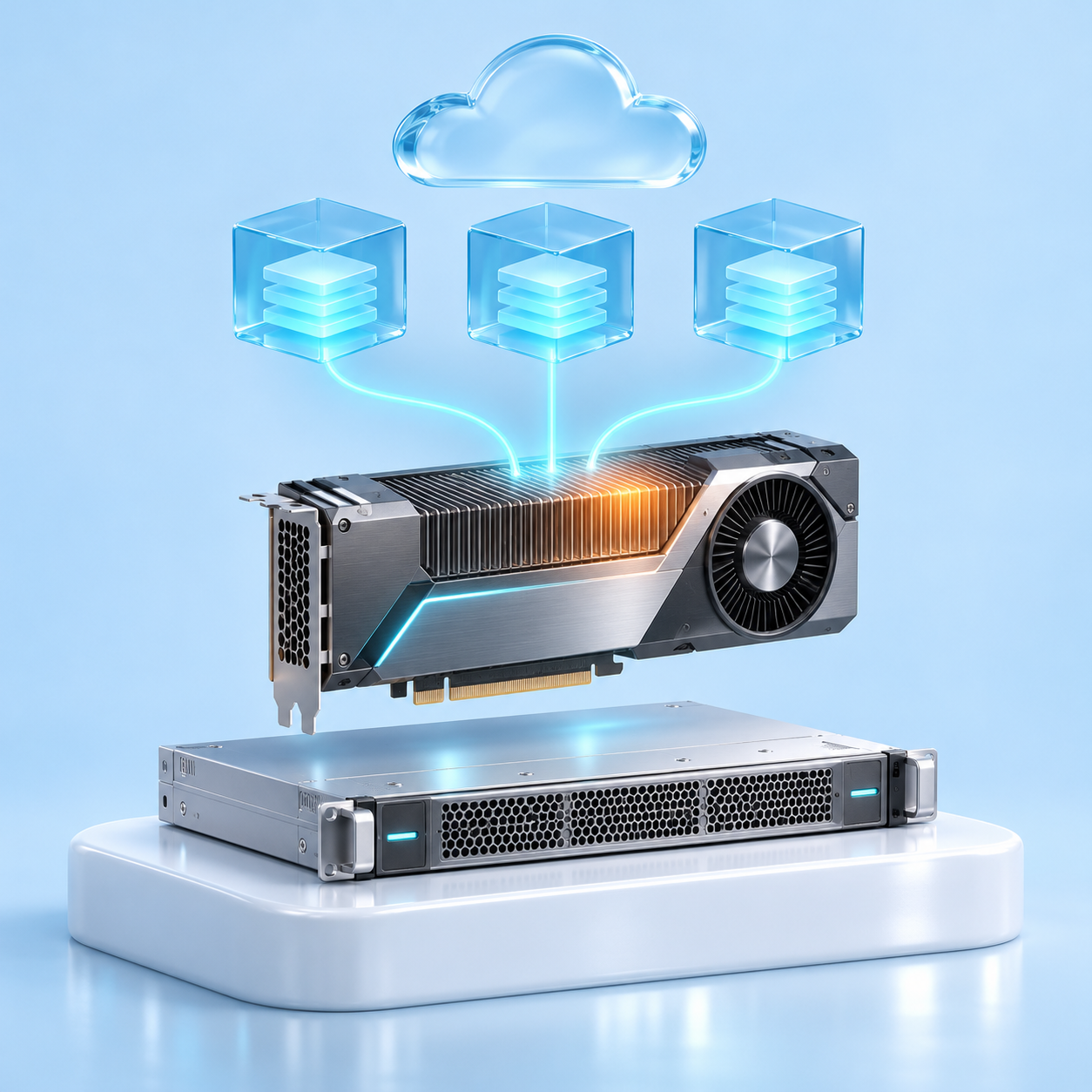
When choosing a GPU in the cloud, people usually focus on the card’s specifications. But the specification describes the accelerator under ideal conditions. In real‑world infrastructure, two additional factors affect performance - and they’re not included in the specification: noisy neighbors and throttling.
Noisy neighbors (noisy neighbors) are tasks from other clients running on the same accelerator or server. They consume shared resources and, as a result, slow down other people’s computations.
Throttling is the automatic reduction of the GPU’s clock speed when the card reaches its power limit or maximum temperature.
Let’s look at how both effects work and how to take them into account when choosing a rental format.
Noisy neighbors in Cloud GPU infrastructure
The public cloud is built on multi-tenancy: the same physical resources serve multiple clients. Virtual machines from different companies can run on the same server, and a single GPU can handle tasks for multiple users. This approach allows you to use only the necessary portion of the physical GPU’s resources.
GPU passthrough, time-sliced vGPU, and MIG-backed vGPU
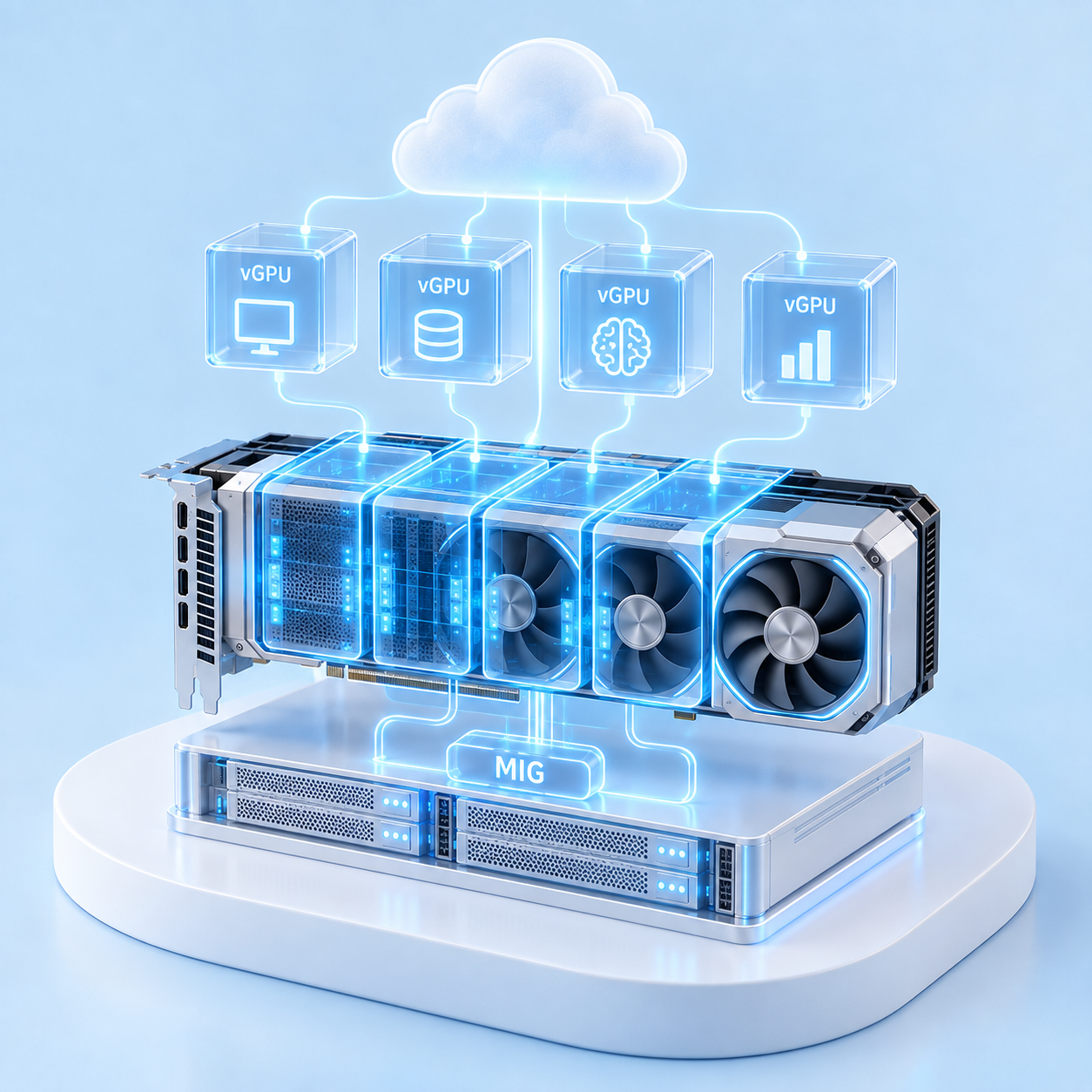
The accelerator can be allocated entirely to a single virtual machine (passthrough mode) or shared among several VMs, thanks to NVIDIA’s vGPU technology. vGPU operates in two modes: time-sliced vGPU and MIG-backed vGPU.
In time-sliced vGPU mode, each machine has its own share of video memory, and the accelerator’s compute units are used by the machines in turn. At any given time, only one of them is running calculations on the GPU.
The scheduler determines the order. By default, NVIDIA vGPU uses the best effort mode: machines receive time quanta in a round‑robin fashion, and if a machine has nothing to compute, the turn immediately passes to the next one. The less loaded the neighbors are, the more quanta the others get. This is how the noisy neighbor effect arises.
The provider can switch the scheduler to equal share or fixed share mode. In this case, each machine is guaranteed its own share of time, and the speed variability is much lower. The downside is that the machine will no longer receive unused quanta from its neighbors.
The MIG-backed vGPU is built on MIG (Multi-Instance GPU) technology, which hardware-divides the accelerator into isolated parts. Each part has its own video memory, cache, and computing units, and the vGPU assigns each of them to a separate virtual machine. The machines run simultaneously, and the computing resources and memory are isolated at the level of MIG instances. The power limit, the thermal regime of the card, and its connection to the server via PCIe remain common.
Time-sliced vs. MIG-backed vGPU: benchmark results
The difference between the modes was measured at Colfax Research in 2024. The test was conducted on an NVIDIA A30 card under the Proxmox hypervisor. The accelerator was divided into four vGPUs: first in time‑sliced mode, then in MIG‑backed mode. For one machine, memory bandwidth and computation speed (matrix multiplication in TF32) were measured: first when the neighbors were idle, then when all four were running.
GPU partitioning mode
Memory bandwidth, neighbors idle
Memory bandwidth, all active
Compute performance, neighbors idle
Compute performance, all active
time-sliced vGPU
786 GB/s
160 GB/s
68.8 TFLOPS
14.5 TFLOPS
MIG-backed vGPU
196 GB/s
196 GB/s
16.0 TFLOPS
15.3 TFLOPS
While the neighbors were idle, the machine in time-sliced mode received almost the entire map and outpaced MIG by four times. When all four machines started working, its speed dropped by almost five times and turned out to be lower than that of MIG. In other words, time-sliced is beneficial as long as the neighbors don’t load the map. But the client doesn’t see their load and can’t influence it.
In MIG-backed mode, the memory bandwidth did not change. The computing speed when all four parts were running decreased by approximately 5%. The authors attribute this to the overall power limit: when the test was run with only three of the four parts, each delivered the full 16 TFLOPS.
The figures show the mechanism, but they are not directly transferable to another cloud. The authors did not specify the scheduler for time‑sliced, and the provider may have different maps and hypervisor.
What causes GPU throttling?
Each accelerator has two main limitations: the power limit and the temperature limit. The higher the load, the more energy the card consumes and the more it heats up.
After reaching one of the limits, the card reduces the clock frequency, and calculations slow down. When the power limit is reached, the frequency usually decreases smoothly. In case of overheating or a sudden surge in consumption, hardware protection is triggered, and, according to NVIDIA documentation, the frequency drops by half or more.
In practice, three situations lead to limits:
Prolonged load. During training, the GPU operates at maximum capacity for hours and may hit the power or temperature limit.
Parallel tasks on a single accelerator. In MIG-backed vGPU mode, parts run simultaneously. While neighbors are idle, one part has enough power reserve. When all parts are under load, the reserve is depleted, and the accelerator hits the overall limit.
Uneven cooling. In 2025, the Georgia Institute of Technology studied HGX servers with H100 and H200, where air flows through the case from front to back. The accelerators near the rear wall heated up more than those near the front, reduced their frequency more often, and slowed down all distributed training.
A noisy neighbor at the GPU level appears only when the accelerator is shared among clients. Throttling is determined by the load and heat of the accelerator itself, so it can also occur on a dedicated server.
How noisy neighbors and GPU throttling affect inference and training
The mechanisms behind the effects are different: a noisy neighbor takes away part of the accelerator’s processing time from the task, while throttling reduces its frequency. In both cases, the task runs more slowly.
In online inference, each request is short, and the average slowdown is often unnoticeable. However, the impact of neighboring loads can manifest as an increase in p95 and p99, i.e., an increase in the share of slow responses. For services with strict response time requirements, this is critical. Batch inference, for example, processing an archive of documents, accumulates slowdown in the same way as training.
Training a model takes from several hours to several weeks. The result appears only at the end, and all the slowdowns add up to the total duration. If the speed drops by 5%, as with MIG in the Colfax test, a four‑day training session will be extended by about five hours.
Large models are usually trained on several accelerators at once. After each step, they exchange results and do not move on to the next one until everyone has completed the step. If one accelerator slows down, the others wait, and the entire task runs at the speed of the slowest one.
Estimating GPU training time with a test run
The training period can be estimated based on a test run: measure how much data the accelerator processes in an hour and recalculate the result for the entire volume.
If the accelerator is shared with neighbors, the test may differ from the actual training. During the test, neighbors might have been idle, while during training they were working. In that case, the speed will drop, and the period will be extended.
For a pilot project, such a discrepancy is usually acceptable. If training is part of the release plan, the predictability of the period should be taken into account when choosing the rental format, along with the price.
Dedicated GPU servers: workload isolation and throttling monitoring
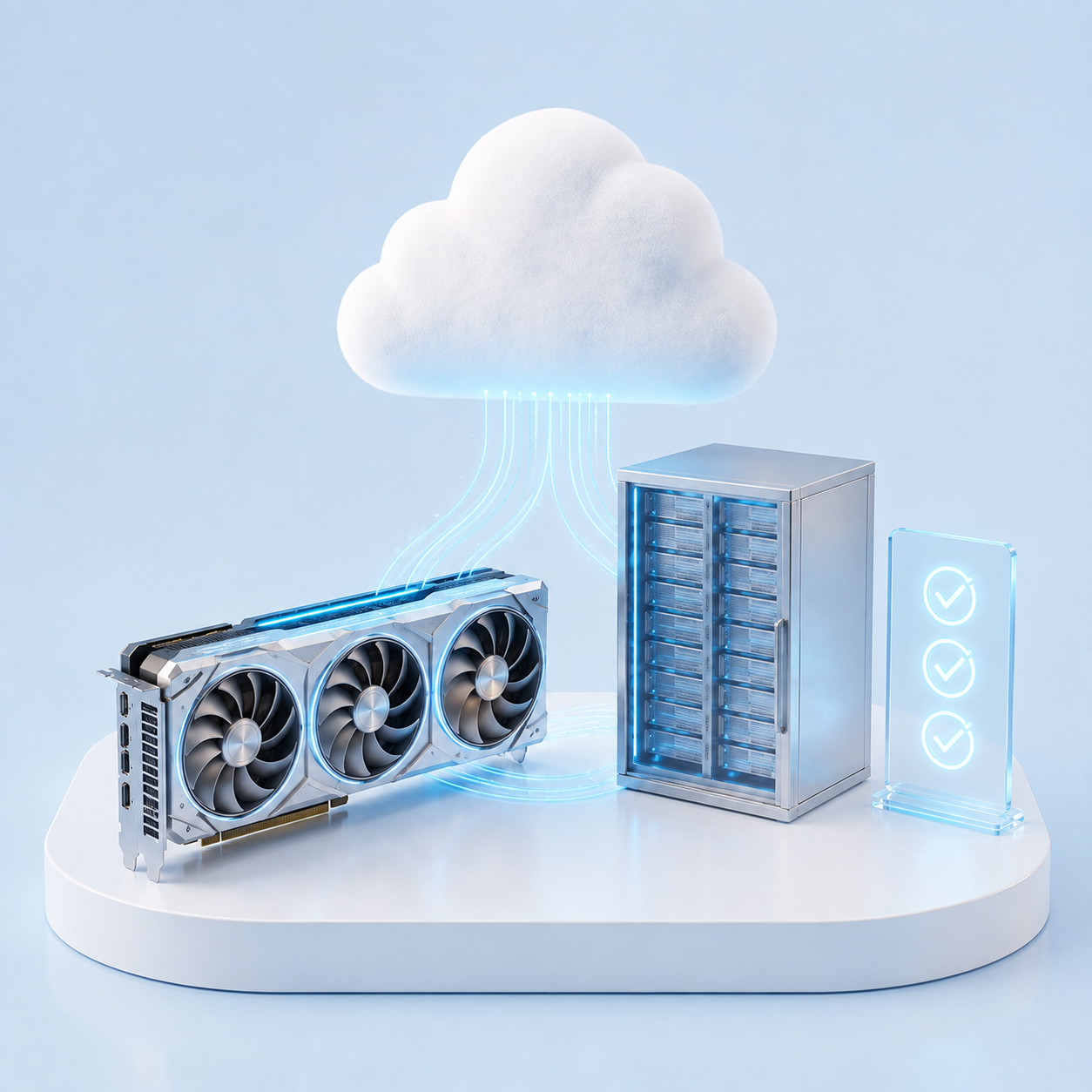
A dedicated server with GPU is a physical server that is entirely assigned to one client. Processors, RAM, disks, and accelerators are not shared with other tenants, so there are no noisy neighbors inside the server.
This is what distinguishes it from a cloud virtual machine with a GPU in passthrough mode. In passthrough, the accelerator also belongs to a single client, but the rest of the server is shared. vCPUs can be oversubscribed, and the load from other VMs can affect the shared CPU resources, network, and storage system. At the same time, the GPU itself and its PCIe connection are assigned to a single virtual machine. Their load slows down data reading and preparation, and subsequently, training. By the way, network storage is one of the most common and least noticeable noisy neighbors.
On a dedicated server, the entire data path is at the client’s disposal: reading from disks, preprocessing on processors, and transfer to video memory. The training speed is determined only by the client’s own load and cooling.
Another advantage is the transparency of throttling. The client can see the reasons for the frequency reduction themselves via nvidia-smi -q -d PERFORMANCE or NVIDIA DCGM and can distinguish between hitting the power limit and overheating. Inside a virtual machine with vGPU, such telemetry is often unavailable.
Shared vs. dedicated GPUs: isolation and training predictability
GPU deployment option
Impact of noisy neighbors
Power limit
Training time predictability
Best suited for
Time-sliced vGPU
Performance varies with neighboring workloads. It varied by nearly a factor of five in the test.
Shared with other tenants
Low with best effort, higher with equal share or fixed share
Inference, pilot projects, and experiments
MIG-backed vGPU
Compute and memory are isolated
Shared across instances. Compute performance fell by 5% in the test.
High within the allocated MIG partition
Inference and variable workloads
Passthrough
No contention on the GPU. CPUs, memory, PCIe, networking, and storage are shared.
Depends only on your own workload
High for GPU compute. Data preparation depends on neighboring workloads.
Medium-duration training and inference with strict latency requirements
Dedicated server
None
Depends only on your own workload
High
Long training runs and workloads with strict deadlines
Cloud and dedicated GPU servers at ITGLOBAL.COM
ITGLOBAL.COM offers both formats, and you can choose the level of isolation to suit your needs.
Cloud servers with GPUs are virtual machines equipped with NVIDIA H200 NVL, RTX PRO 6000 Blackwell, A100, and A800 accelerators. MIG-backed vGPU and time-sliced vGPU modes are available, and passthrough is available upon request. NVIDIA AI Enterprise licenses, which are required for vGPU to operate without limitations, are already included. This format is suitable for inference, pilot projects, and variable loads.
Dedicated servers with GPUs (Dedicated GPU) are physical servers designed for long‑term training. Configurations with flagship NVIDIA H200 NVL and RTX PRO 6000 accelerators are available. In configurations with H200 NVL, the accelerators are interconnected via NVLink bridges in groups of two or four cards, with a throughput of 900 GB/s. The network connection is from 25 Gbps, so this format is designed for training within a single server, with up to eight GPUs.
The servers are hosted in data centers across 7 countries, including Moscow, Minsk, Almaty, Tashkent, Dubai, and Brazil.
Choosing GPU infrastructure for inference and model training
The accelerator model and the amount of video memory set the upper limit of the speed. How close the training gets to this limit is determined by the card’s operating conditions: neighbors and cooling.
For inference, pilots, and experiments, a cloud model is often suitable, and the specific method of providing the GPU is chosen based on performance and isolation requirements. For long‑term training, where predictability of the completion time is important, a dedicated server should be considered. Its resources are used exclusively; throttling on it depends only on its own load and cooling, and the client can see the causes of throttling themselves.
GPU throttling and noisy neighbors FAQ
What is a noisy neighbor on a GPU?
This is a task from another client on the same physical card or on the same server. It consumes part of the resources and slows down neighboring tasks.
What is GPU throttling?
This is a reduction in the card’s clock speed when it reaches its power limit or maximum temperature. This is how the GPU protects itself from overload, and all tasks on the card run more slowly.
Is a cloud with vGPU always slower than a dedicated server?
No. While the neighbors are idle, a machine in time-sliced vGPU mode can achieve a speed close to the full card: in the Colfax test, it was four times higher than that of the MIG part. However, on a long task, you can’t expect the neighbors to be idle for the entire training period.
Does MIG eliminate noisy neighbor effects?
MIG isolates the memory and computing units, so the memory bandwidth is stable. The power limit remains shared across the entire card: in the Colfax test, when all four parts were running, the computing speed of each decreased by approximately 5%.
Does throttling occur on a dedicated server?
Yes. Under prolonged load, the card reduces its frequency due to power or temperature limits. Other tasks do not affect this effect, and the client can see the reasons for the frequency reduction in nvidia-smi or DCGM.
text_with_btn btn="Contact us" id="50"Discuss GPU Infrastructure /text_with_btn