Why businesses need GPU Infrastructure
Artificial intelligence is becoming part of corporate processes: companies are implementing generative AI services, automating data processing, creating intelligent assistants, and using machine learning models to make decisions.
However, modern AI tasks require significantly more computational resources than traditional business applications.
Graphical processing units (GPUs) are used to train and run AI models, and they are capable of performing a large number of parallel computations.
Therefore, companies are considering two approaches:
- to create their own GPU infrastructure;
- to use GPU Cloud — access to computing resources via a cloud platform.
GPU Cloud allows you to access powerful accelerators without having to purchase and maintain your own servers.
What is GPU Cloud?
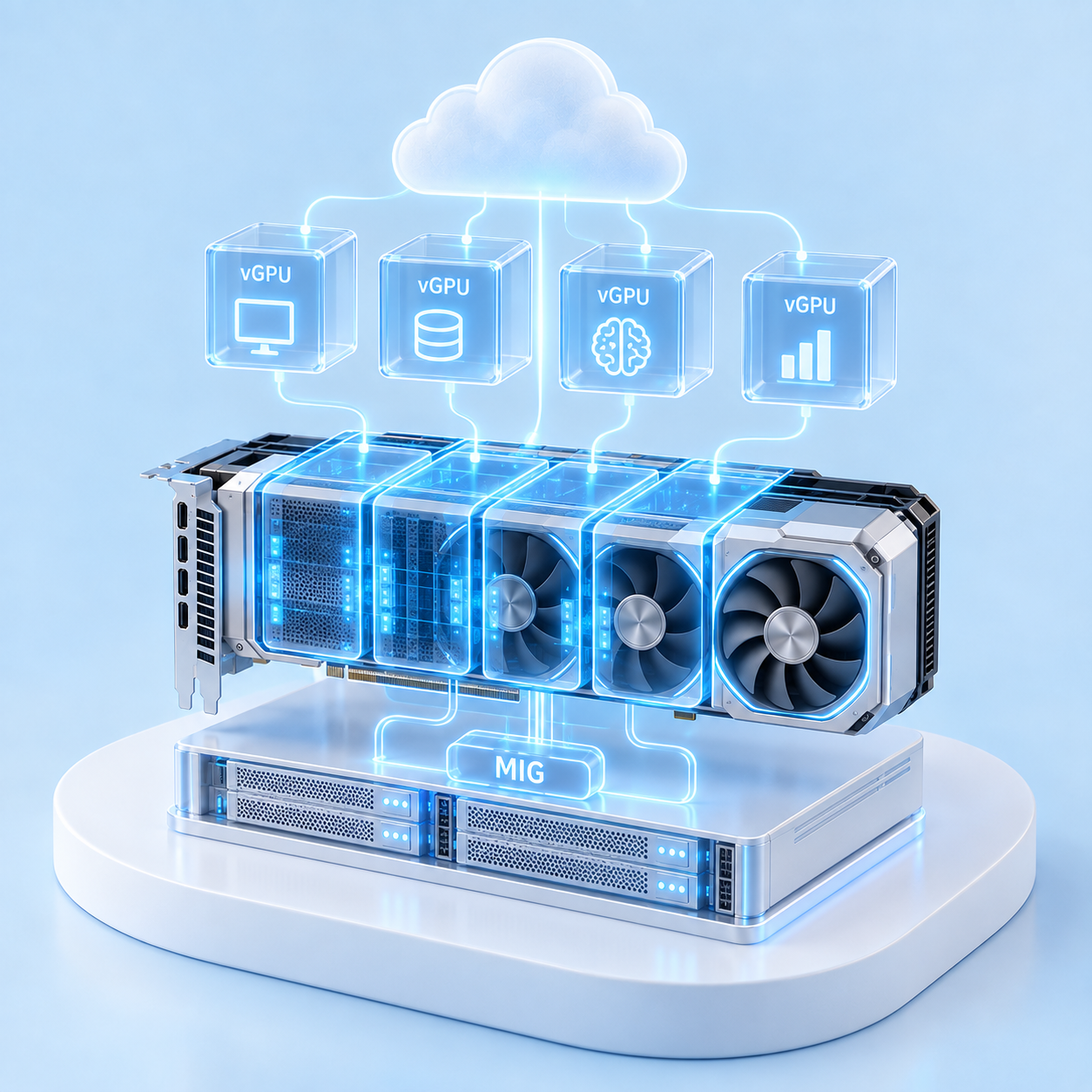
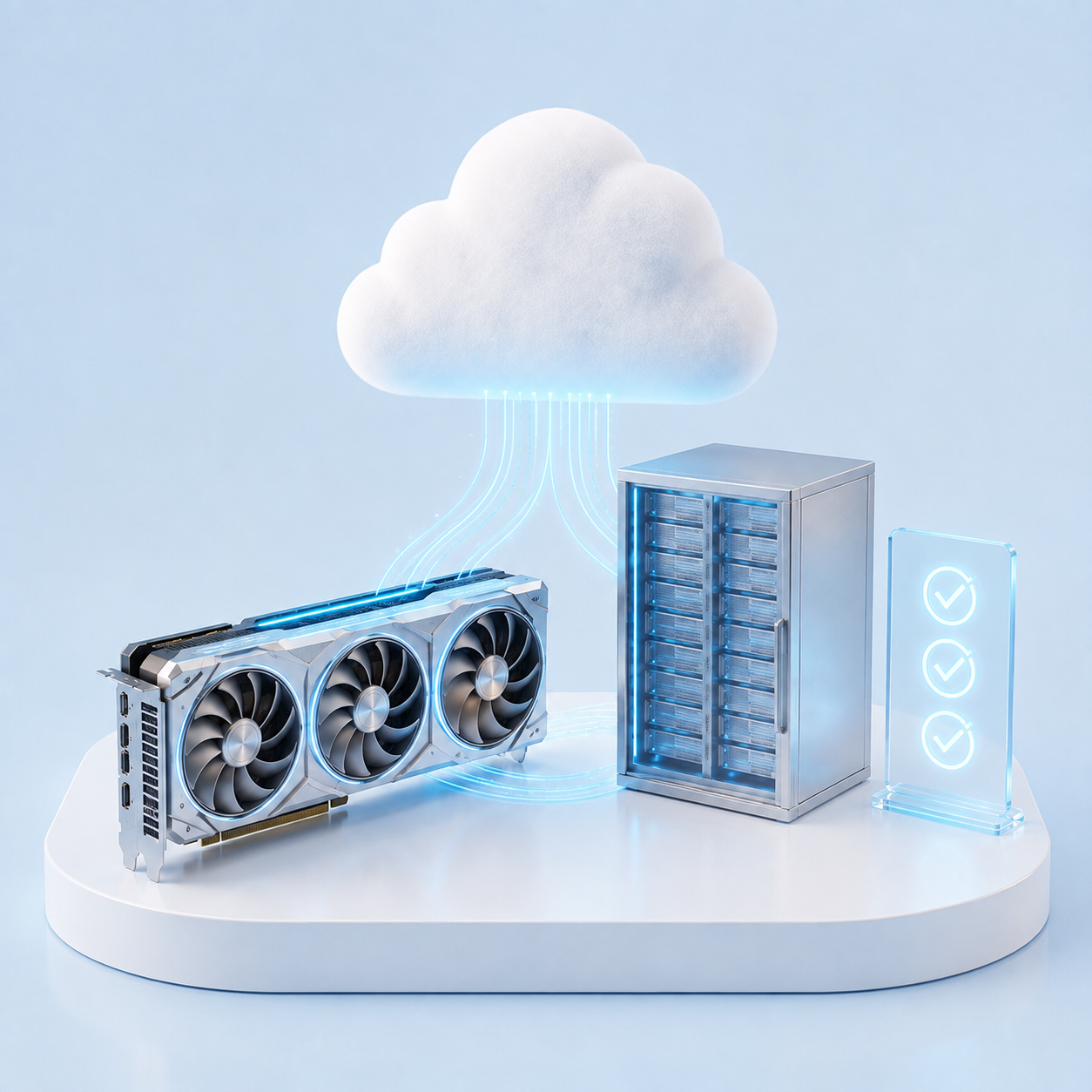
GPU Cloud is a cloud infrastructure that provides computing resources with GPU accelerators for performing AI, ML, and HPC tasks.
Instead of purchasing physical servers, a company rents the necessary capacity:
- GPU;
- CPU;
- RAM;
- storage;
- network resources.
This model allows AI projects to be launched faster and the infrastructure to be scaled as the load grows.
The largest cloud platforms offer GPU instances for AI workloads, including NVIDIA GPUs. For example, AWS, Google Cloud, and Microsoft Azure provide virtual machines with GPU accelerators for machine learning and high‑performance computing.
1. Training AI models and Machine Learning
One of the main use cases for GPU Cloud is training machine learning models.
Traditionally, the process of training large models requires:
- significant computational resources;
- a large number of GPUs;
- data storage infrastructure;
- specialized software.
GPU allows you to speed up training thanks to the ability to perform multiple operations simultaneously.
GPU Cloud provides the following capabilities:
- run experiments without purchasing equipment;
- increase the number of GPUs as needed;
- use different configurations for different models.
Example:
The company is developing a demand forecasting model or a recommendation system. Instead of creating its own GPU cluster, the team can temporarily use cloud GPUs to train and test the model.
2. Generative AI and large language models (LLM)
One of the fastest‑growing areas has been generative AI applications:
- corporate AI assistants;
- chatbots;
- text generation systems;
- document analysis;
- search across internal knowledge bases.
Large language models (LLM) require significant computational resources both during the training phase and during operation.
GPU Cloud enables companies to run:
- inference models;
- RAG systems;
- AI assistants for employees;
- internal corporate AI services.
NVIDIA notes that GPU‑accelerated computing is a key element of the infrastructure for modern generative AI applications.
3. Corporate AI assistants and RAG systems
Many companies want to use AI not only as an external service but also to work with their own corporate data.
To achieve this, RAG (Retrieval-Augmented Generation) systems are used.
RAG allows you to combine:
- a large language model;
- the company’s internal knowledge base;
- documents;
- corporate systems.
Examples of applications:
- searching for information in documentation;
- automation of customer support;
- analysis of contracts;
- processing internal employee requests.
GPU Cloud helps provide the necessary computing power for such systems to operate.
4. Computer vision and image processing
Computer vision is used in various industries:
- manufacturing;
- logistics;
- security;
- medicine;
- retail.
AI models analyze:
- photos;
- videos;
- streamed data from cameras.
Examples:
Production
AI can be used for automatic product quality control.
Retail
Computer vision helps analyze customer behavior and manage inventory.
Safety
AI systems can analyze video streams in real time.
For such tasks, the following are important:
- high GPU performance;
- low latency;
- stable infrastructure operation.
5. AI for big data processing and analytics
Companies generate large volumes of data every day:
- transactions;
- logs;
- user data;
- production metrics.
AI and machine learning help identify patterns and build forecasts.
GPU Cloud is used for:
- analysis of large datasets;
- training predictive models;
- accelerating computations.
For example:
- demand forecasting;
- fraud detection;
- process optimization.
6. 3D visualization, rendering, and digital models
GPUs are used not only for AI.
Another important scenario is graphic computing:
- 3D modeling;
- visualization of projects;
- digital twins;
- engineering calculations.
Companies in the fields of architecture, construction, design can use GPU Cloud to access powerful work environments without purchasing specialized workstations.
NVIDIA is advancing the field of accelerated computing for professional graphics and AI workloads through RTX solutions and NVIDIA Omniverse.
7. AI development and testing of new products
For many companies, the main barrier to AI adoption is the need to experiment quickly.
GPU Cloud allows developers to:
- create prototypes;
- test models;
- run experiments;
- evaluate the effectiveness of solutions.
This is especially important for:
- startups;
- software companies;
- research teams.
Instead of going through a lengthy equipment procurement process, the team can start working with GPU infrastructure almost immediately.
GPU Cloud: benefits for business
Fast launch of AI projects
The company gains access to the necessary infrastructure without having to wait for equipment delivery.
Cost optimization
GPU Cloud shifts expenses from the CapEx model (purchasing equipment) to OpEx (using resources as needed).
This allows you to:
- avoid investing in expensive servers in advance;
- pay only for the capacity you use;
- scale expenses along with the project.
Access to modern GPUs
AI infrastructure is rapidly evolving.
Cloud platforms make it possible to use new generations of NVIDIA GPUs without having to upgrade the hardware yourself.
For example, the NVIDIA Blackwell architecture is designed for generative AI tasks, large models, and large‑scale computing.
How to choose a GPU Cloud for an AI project
When selecting a provider, it is important to consider the following:
| Criterion | Why It Matters |
| GPU models | Compatibility with specific AI workloads |
| NVIDIA ecosystem | Compatibility with AI tools |
| Data residency | Control over where data is stored |
| SLA | Service reliability and availability |
| Kubernetes support | Management of AI workloads |
| Network | Data transfer speed |
| Storage | Efficient handling of large datasets |
GPU Cloud for AI projects from ITGLOBAL.COM
ITGLOBAL.COM provides GPU infrastructure for companies that need computing power to develop and launch AI projects.
As part of GPU Cloud, companies gain access to high‑performance GPU resources without having to purchase their own equipment or build complex infrastructure from scratch.
The platform is suitable for tasks related to:
- training and launching AI models;
- generative AI and LLM applications;
- big data processing;
- computer vision;
- AI development and testing.
ITGLOBAL.COM uses a corporate cloud infrastructure with support for modern GPU configurations, allowing companies to scale computing resources to meet current tasks.
ITGLOBAL.COM specialists will help select the optimal GPU Cloud configuration based on the project requirements: the type of AI model, the volume of data, the required performance, and the infrastructure deployment requirements.
Choose a GPU Cloud for your AI project
Conclusion
GPU Cloud is becoming one of the key elements of modern AI infrastructure.
It enables companies to:
- launch AI projects faster;
- use modern GPUs;
- scale computing resources;
- create AI products without building their own GPU cluster.
From generative AI and corporate assistants to computer vision and data analysis – GPU Cloud helps businesses leverage the power of artificial intelligence without complex infrastructure constraints.